TUS-25-Applied-Scripting
Technological University of the Shannon
MSc Software Design with Cloud Native Computing
Applied Scripting Module
Python
Learning Outcomes
- Design, implement, debug and test a modular application.
- Create reusable software components and analyse their performance.
- Select and use appropriate data structures to solve specific problems.
- Select and apply appropriate features from APIs to solve specific problems.
Syllabus
Introduction
Features of Scripting languages (dynamic programming languages). Control structures: if-elif-else, match, while, for. The
Python Standard Library. Importing modules. Third party modules and packages. Program design. Testing and debugging.
Modular Design and Implementation
Custom functions, documentation. Scope. Top-down modular design. Unit testing.
Data Structures and File Processing
Collection data types: lists, tuples, dictionaries. File processing. Exception handling. Dates and times. Regular Expressions.
Statistical Analysis. Interpreting results.
Visualisation
Line plots, histograms, box plots and violin plots. Pie charts, bar charts, scatter plots. Interpreting visualisations.
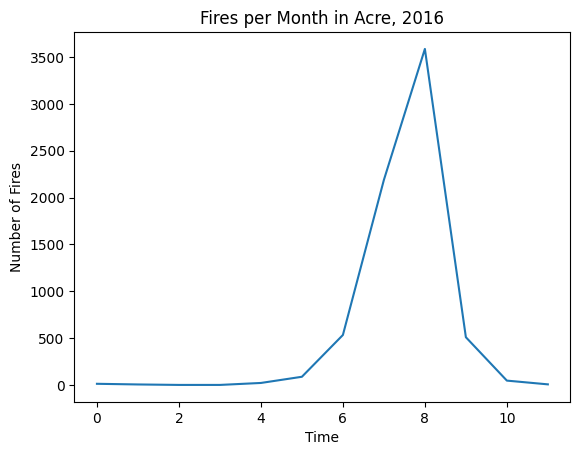
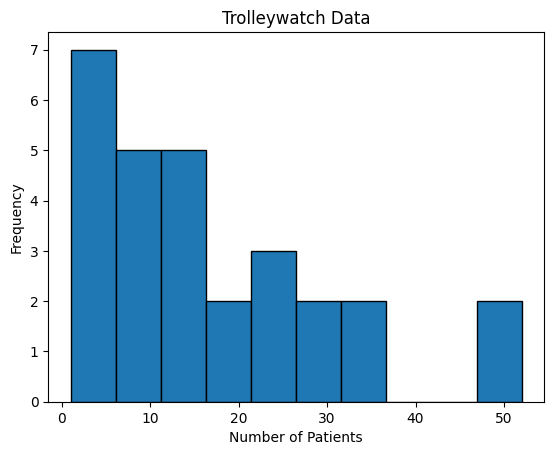
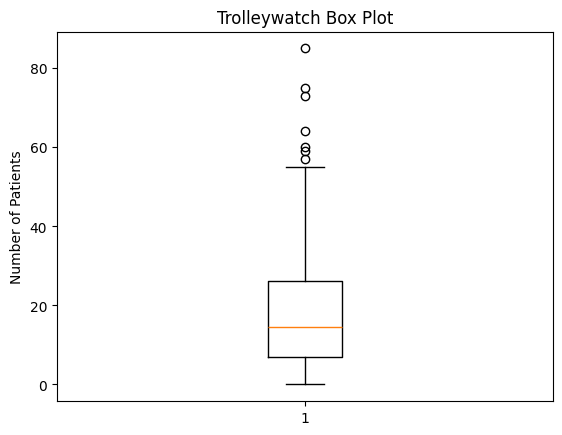
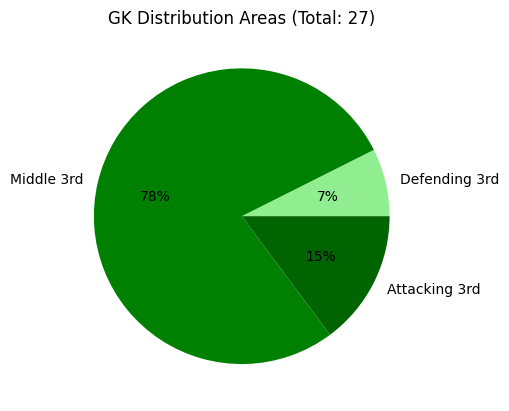
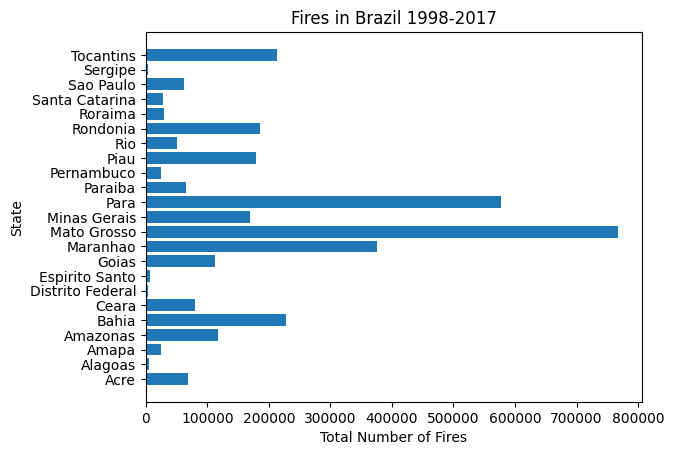
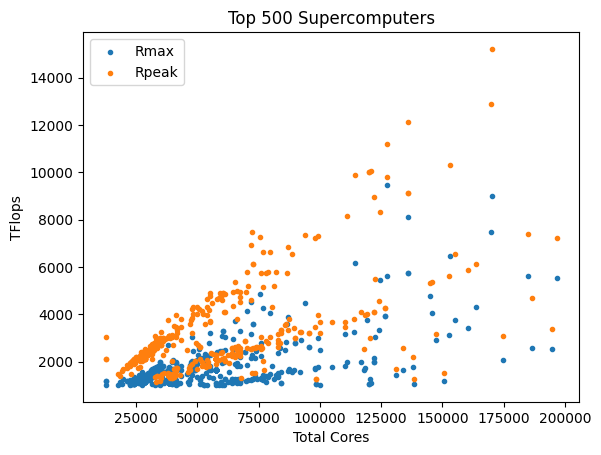
Click here for larger images, or individual thumbnails to go to raw images.

###### Line Graph
---

###### Histogram
---

###### Box Plot
---

###### Pie Chart
---

###### Bar Chart
---

###### Scatterplot
Pre-Reading Quizes
Weekly Exercises