RESTful API Lab 1
Steps and Files
- Spring.io New Project
- Import Project
- Rest Controller
- controller/AccountController.java
- Test the application
Lab#1 Getting started with Springboot – Helloworld Example
1. Spring.io New Project
Create a new project from Spring.io. Add the dependencies shown. Java 17 is required for Springboot 3.
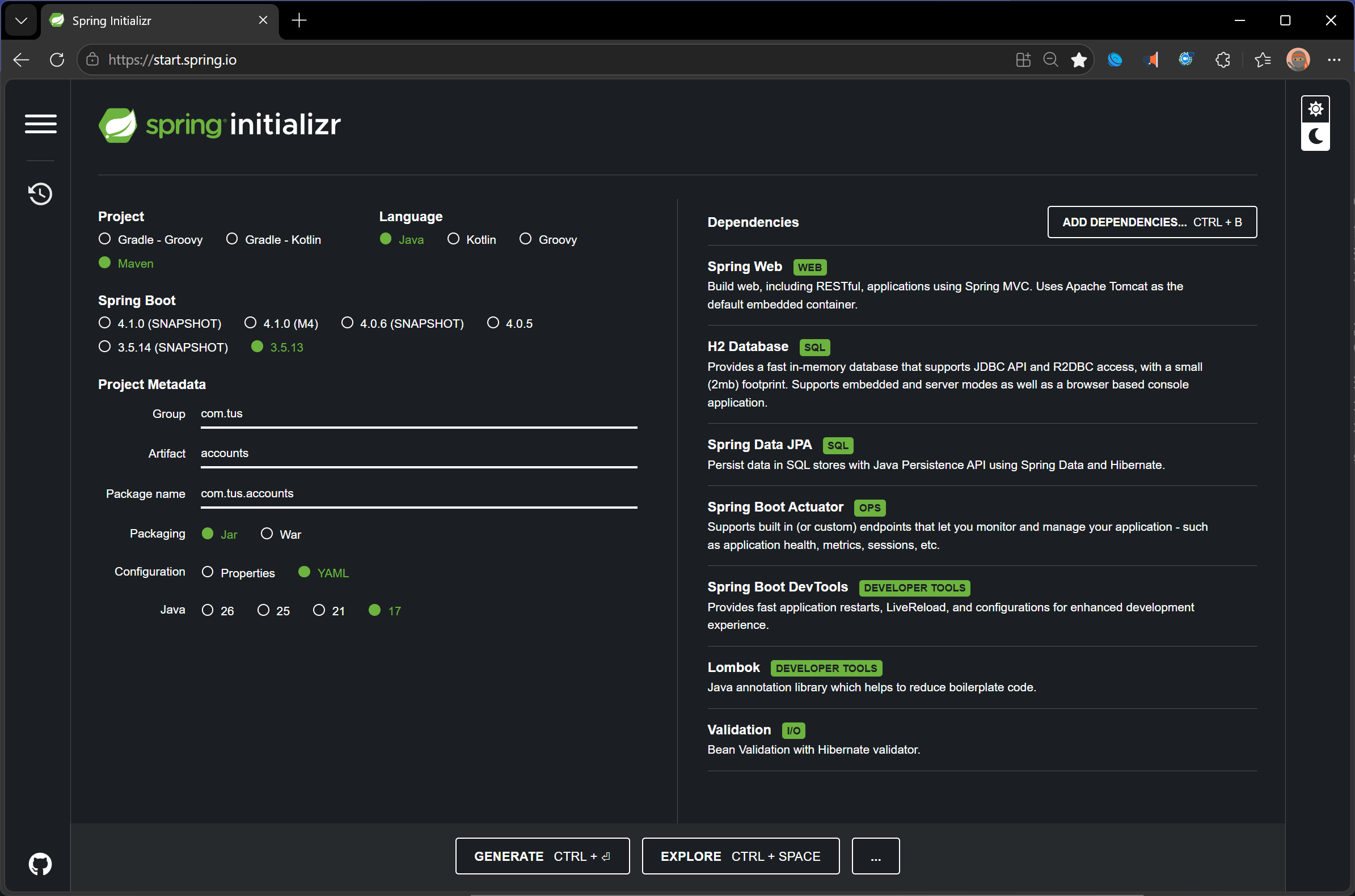
Figure 1. Spring Initializer
2. Import Project
Generate and Import the Maven Project into your IDE.
3. Rest Controller
Now Add a Restcontroller class to your project as shown below.
| AccountController.java | |
|---|---|
1 2 3 4 5 6 7 8 9 10 11 | |
4. Test the application.
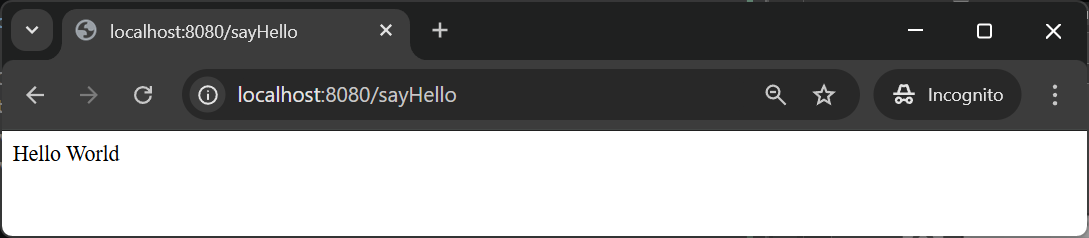
localhost:8080/sayHello