Lab#32 Http timeouts
One of the most common problems
Step#1 Loans Contact-Info
Invoke the contact-info endpoint on the loans microservice through the gateway and it works fine, but sometimes services may respond slowly.
- Loans Contact Info Endpoint: http://localhost:8072/tusbank/loans/api/contact-info
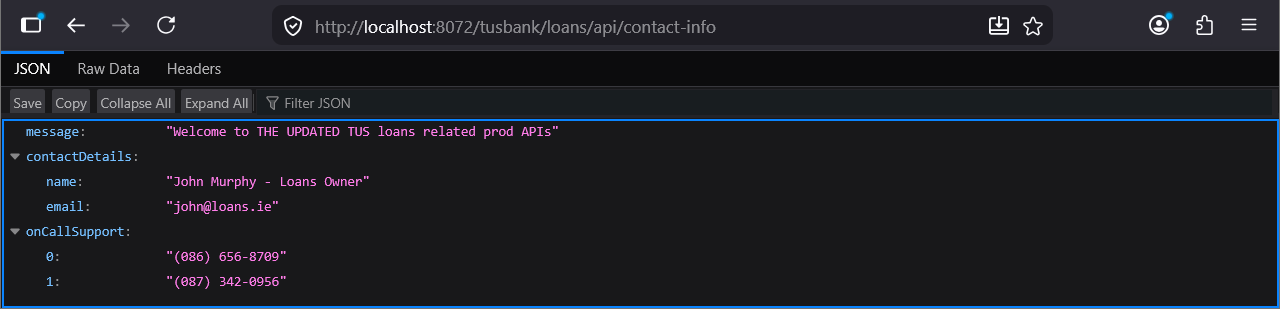
Figure 1. Loans Contact Info Endpoint
Step#2 Simulate Slow Response
To simulate a slow response, add a breakpoint in the contact-info end mapping in the LoansController class

Figure 2. Add Breakpoint
Invoke the endpoint again through the gateway and you will see that the browser is waiting for the response.
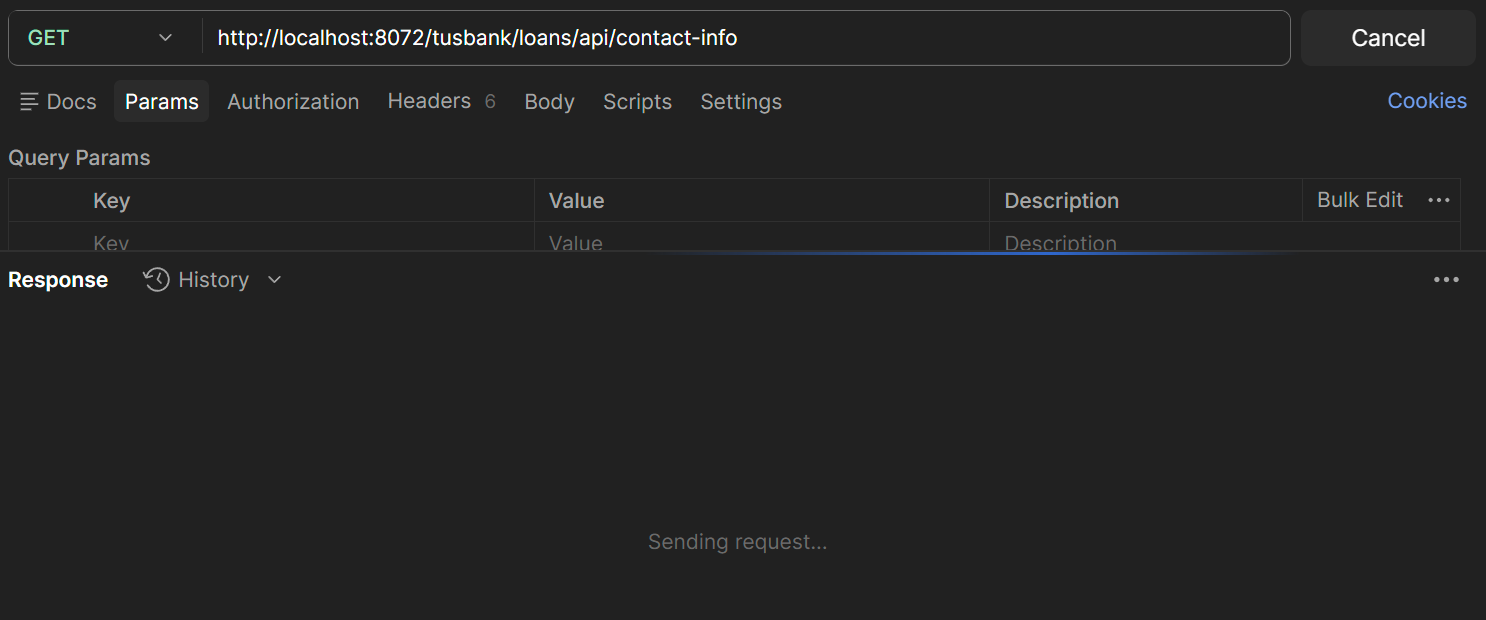
Figure 3. Postman contact info endpoint
Behind the scenes there is a thread waiting on the gateway for the response from the loans service and on the loans there is thread waiting for the Rest API.
Figure 4. Postman contact info endpoint
You can now release the breakpoint.
Step#3 Repeat for Accounts
Do the same for the accounts microservice.
- Accounts Contact Info Endpoint: http://localhost:8072/tusbank/accounts/api/contact-info
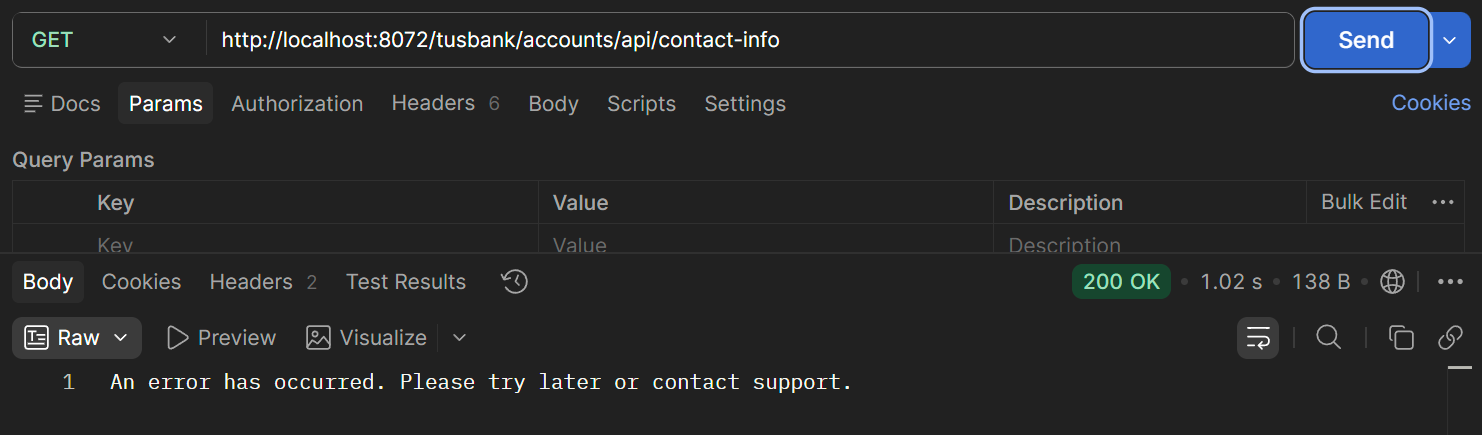
Figure 5. Accounts Contact Info Endpoint
This is because the circuitbreaker is configured for the accounts service in the gateway. Internally the circuit breaker has default configuration related to timeout. It will wait a maximum of 1 second and after that it will go to the fallback mechanism. But the circuit breaker pattern might not be used throughout the microservices.
We can configure timeout configurations so that services do not wait indefinitely for the response.
Set spring.cloud.gateway.httpclient properties in the gateway application.yml.
| Gateway: application.yml | |
|---|---|
6 7 8 9 10 11 12 13 14 15 16 17 18 19 | |
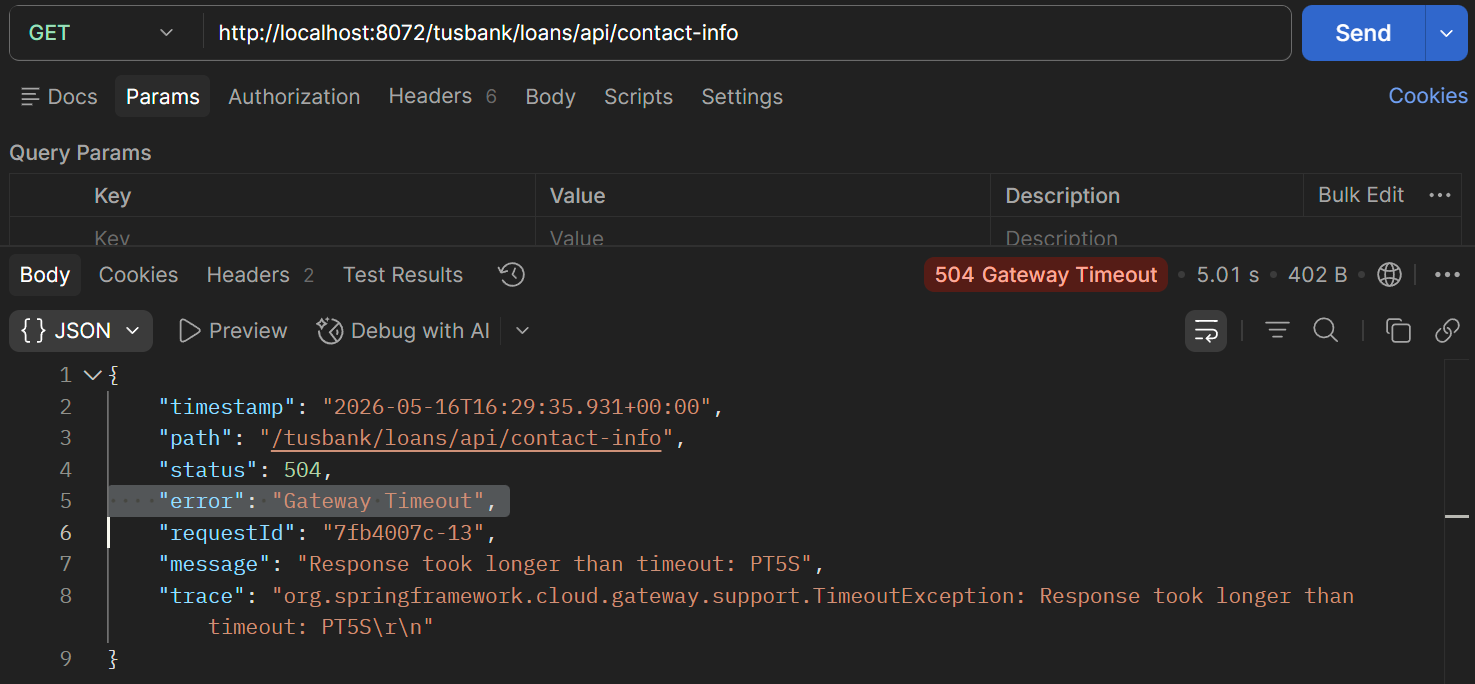
Figure 6. Gateway Timeout