Lab 16
Steps and Files
- Delete YAML
- application_prod.yml
- application_qa.yml
- Delete Properties
- application.yml
- Add Application Name and Active Profile Properties
- application.yml
- Spring Cloud Client Dependency
- pom.xml
- Config Server Details
- application.yml
- Start Config Server and Accounts Microservice()
- Start with a Different Profile
- Change Other Microservices
Lab#16 Modifying the microservices to use the SpringCloud Config server
In this lab we will be modify the accounts microservice to read from the values from the configserver.
1. Delete YAML
Step#1 In the accounts microservice, delete the application_prod.yml and the application_qa.yml files.
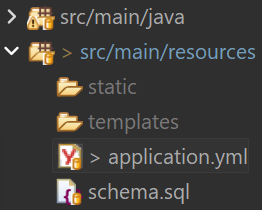
Figure 1. Delete application_prod.yml and application_qa.yml files.
2. Delete Properties
Step#2 Also delete everything to do with properties from the application.yml leaving only as shown below.
| application.yml delete properties | |
|---|---|
1 2 3 4 5 6 7 8 9 10 11 12 13 14 15 16 | |
3. Add Application Name and Active Profile Properties
Step#3 Add properties for application name and active profile
| application.yml add application name and active profile | |
|---|---|
1 2 3 4 5 6 7 8 9 10 11 12 | |
4. Spring Cloud Client Dependency
Step#4 Add the spring cloud client dependency in the pom file for accounts microservice
| pom.xml add spring cloud client dependency | |
|---|---|
29 30 31 32 33 34 35 36 37 | |
This can be copied from config server
| pom.xml add spring cloud client dependency | |
|---|---|
101 102 103 104 105 106 107 108 109 110 111 112 113 114 115 116 | |
5. Config Server Details
Step#5 Now also add details of the config server to the application.yml (child of spring)
| application.yml add config server details | |
|---|---|
1 2 3 4 5 6 7 8 9 10 11 12 13 14 15 16 17 18 19 20 21 22 23 24 25 | |
6. Start Config Server and Accounts Microservice
Step#6 Start the config server and the accounts microservice. Test using Postman.
Postman: GET http://localhost:8081/api/contact-info
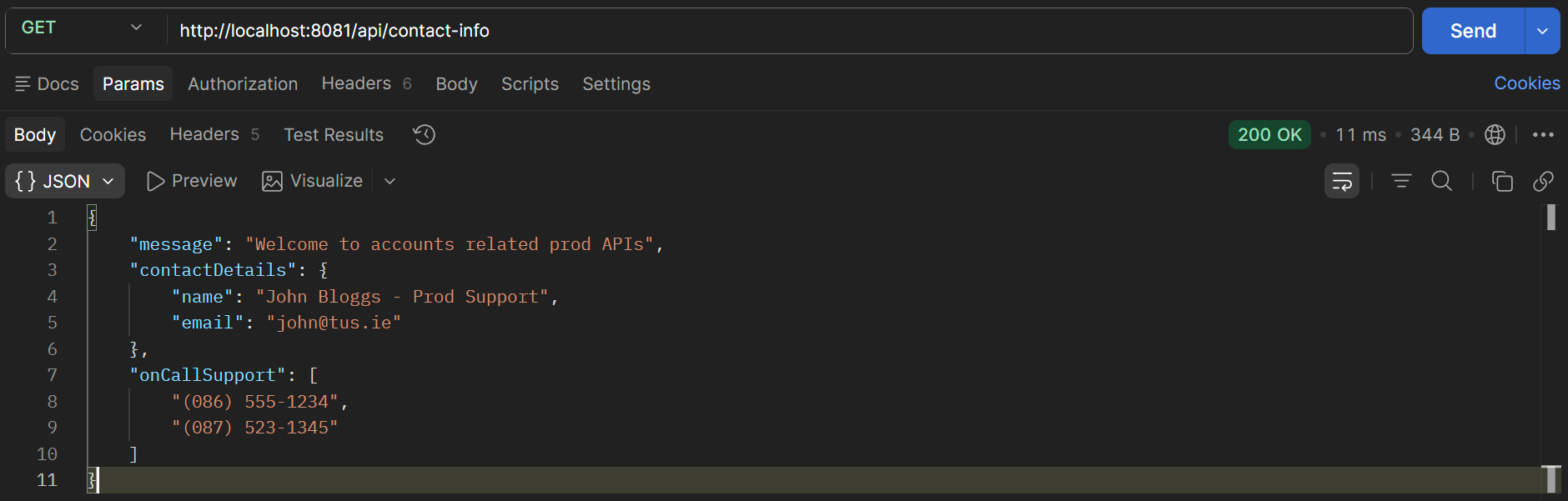
Figure 2. Test /config-info endpoint using Postman.

Figure 3. Test /build-info endpoint using Postman.
7. Start with a Different Profile
Step#7 Starting with a different profile. Change the Run As Configuration. Restart the accounts microservice.
--spring.profiles.active=qa
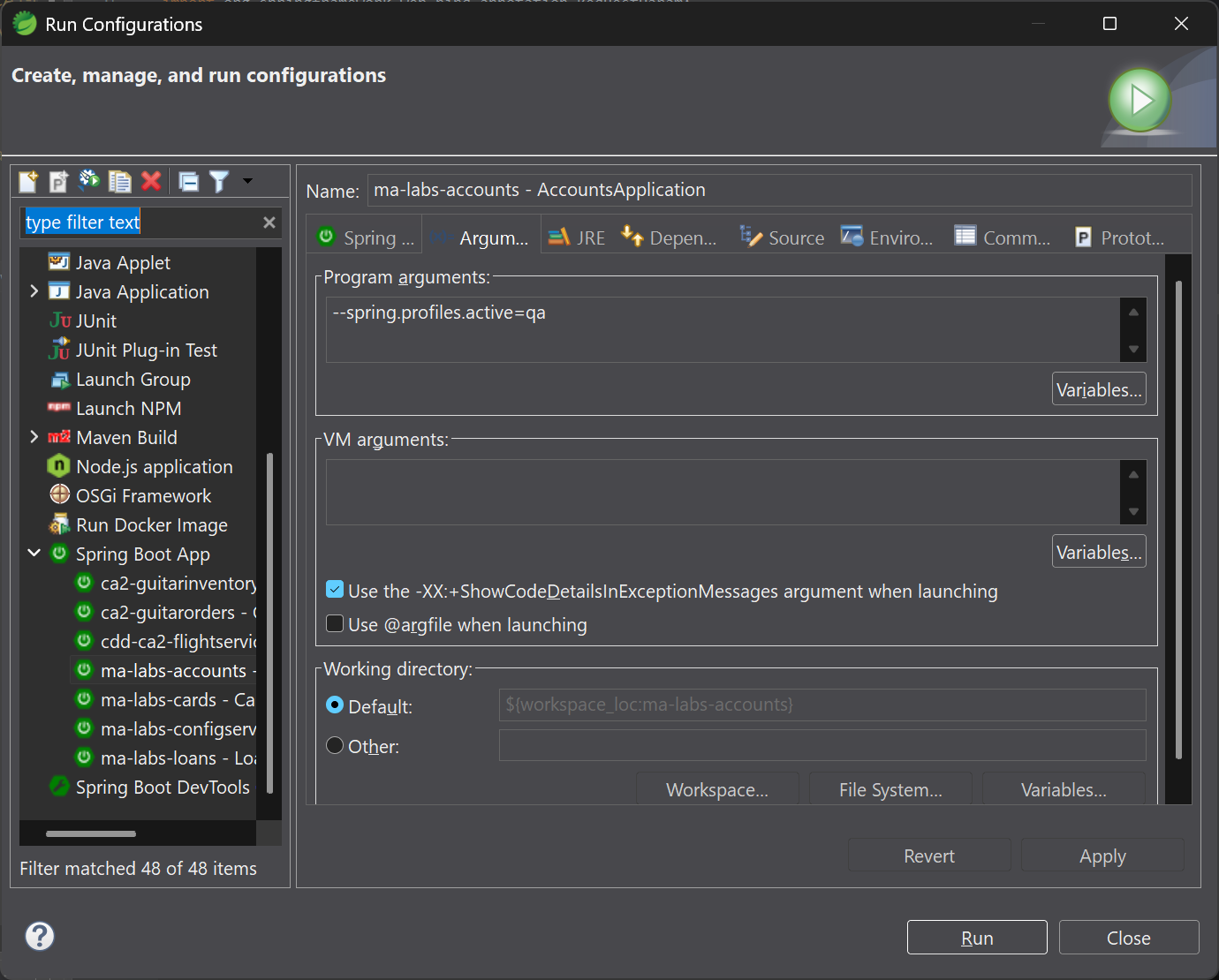
Figure 4. Run As Configuration: QA
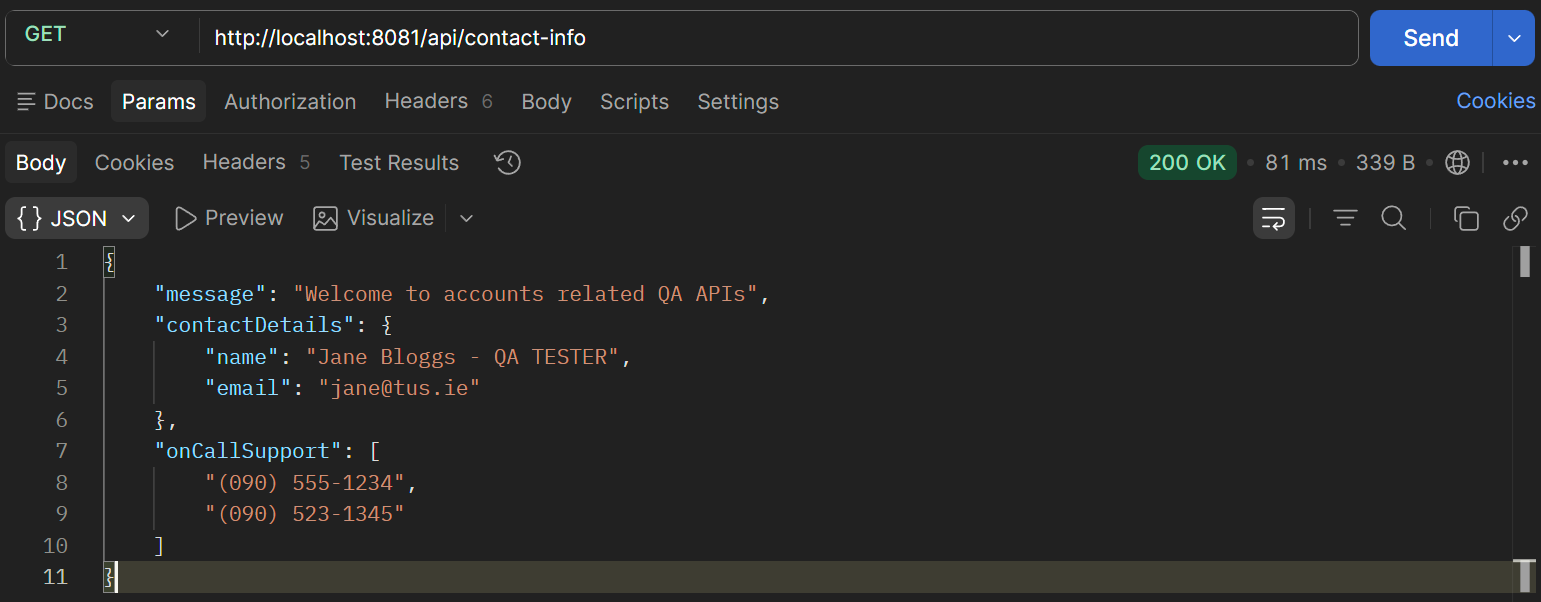
Figure 5. Postman GET /contact-info
8. Change Other Microservices
Step#8 Make similar changes in the cards and loans microservices.
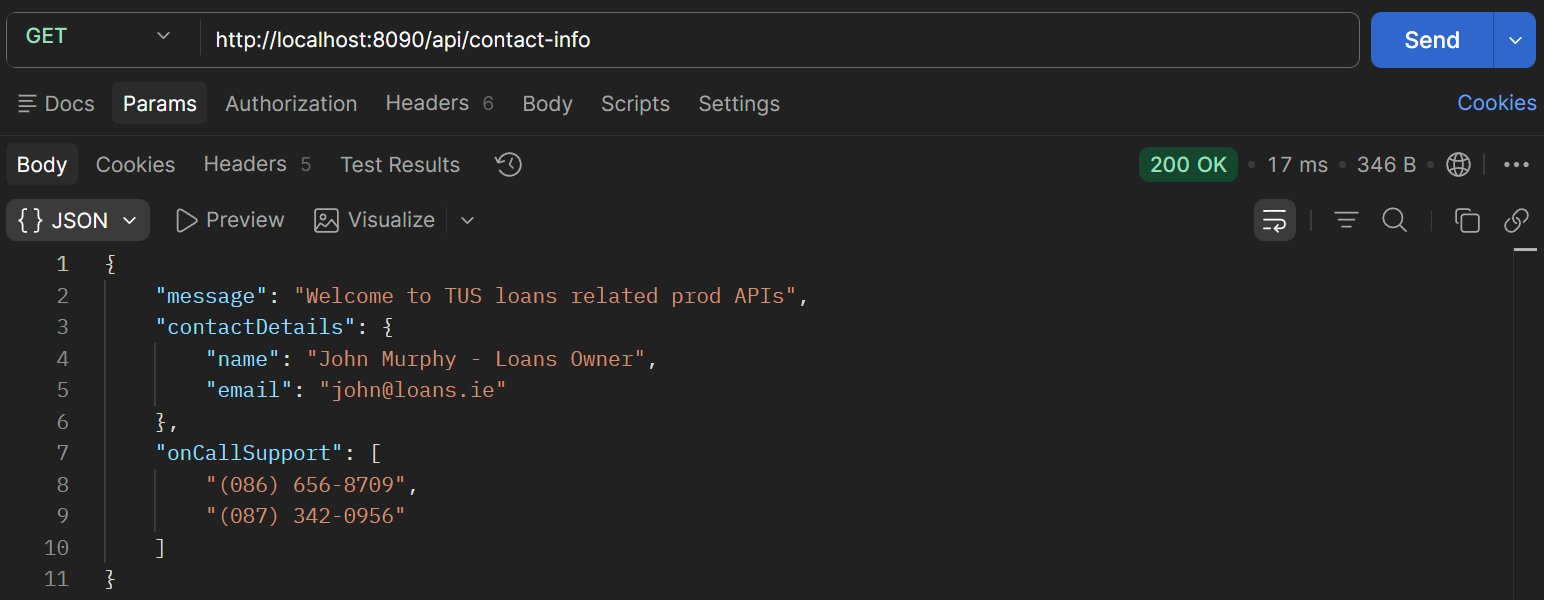
Figure 6. GET loans /contact-info
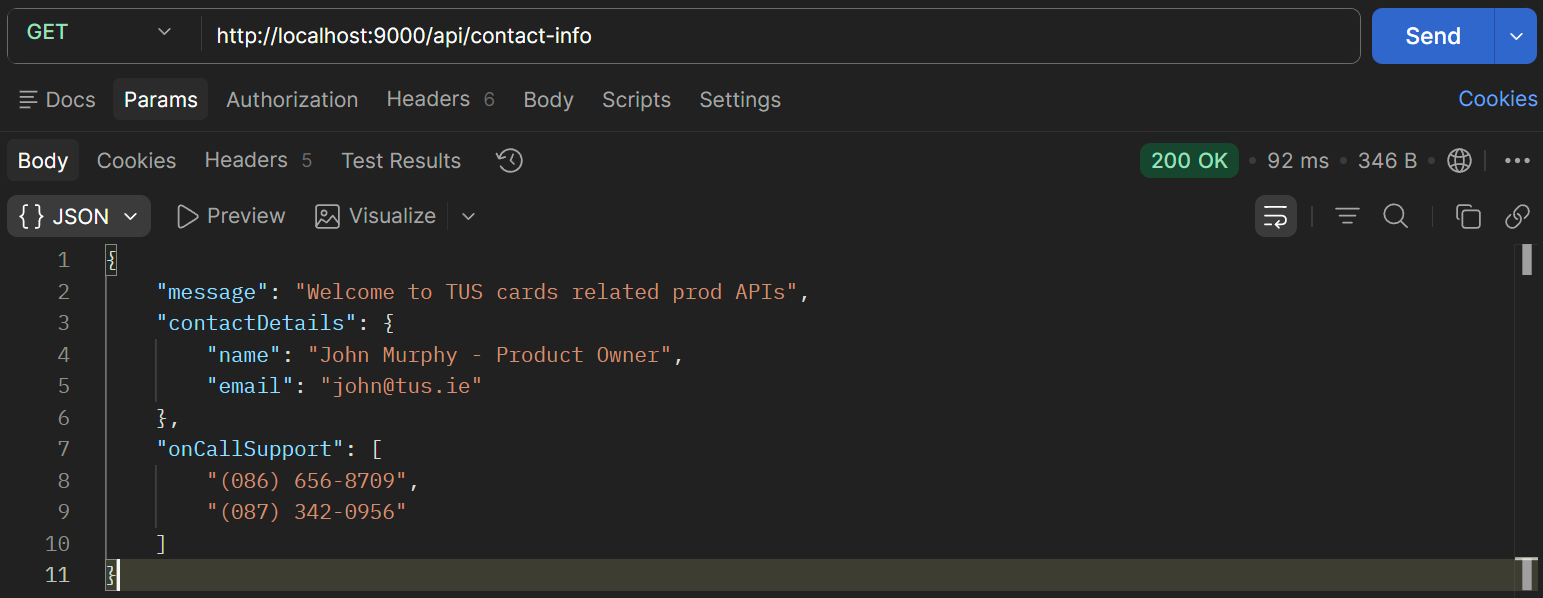
Figure 7. GET cards /contact-info