Lab 23
Steps and Files
- Actuator Shutdown Endpoint
- Envoke /actuator/shutdown Endpoint with POST Method
- Services De-Registered
- Errors when Eureka Server Stops
Lab#23 #De-registration from Eureka and heartbeats
In this lab we will look at deregistering services when they shut down.
1. Actuator Shutdown Endpoint
Step#1 We have already enabled the actuator shutdown endpoint. First try to envoke the endpoint on the accounts microservice. You get an error to say that the method is not supported. It must be invoked with a POST method.
Browser (GET) /actuator/shutdown ?
192.168.56.1:8081/actuator/shutdown
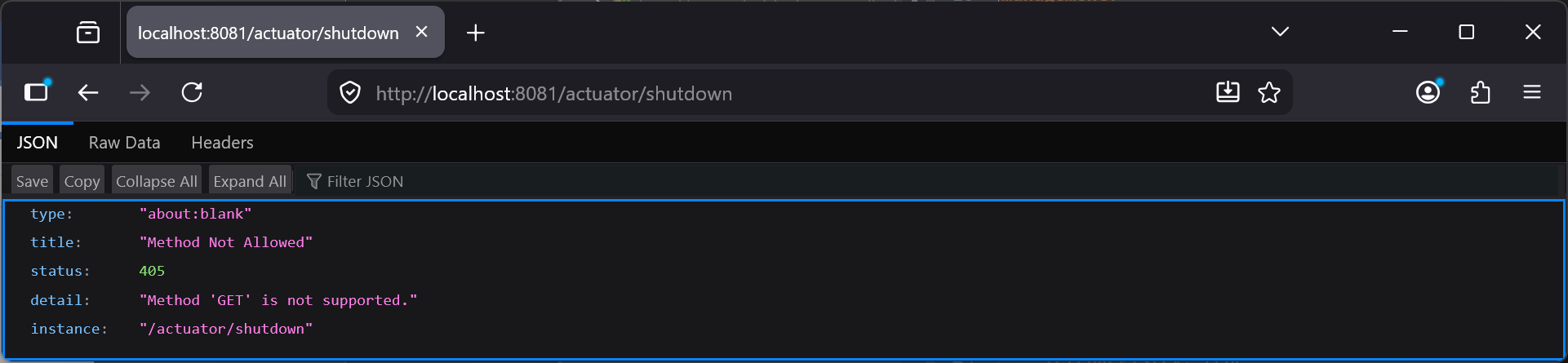
Figure 1. Actuator Shutdown can only be invoked with POST method
2. Envoke /actuator/shutdown Endpoint with POST Method
Step#2 Now envoke the endpoint with a POST method from Postman for all microservices
POST /actuator/shutdown
localhost:8081/actuator/shutdown
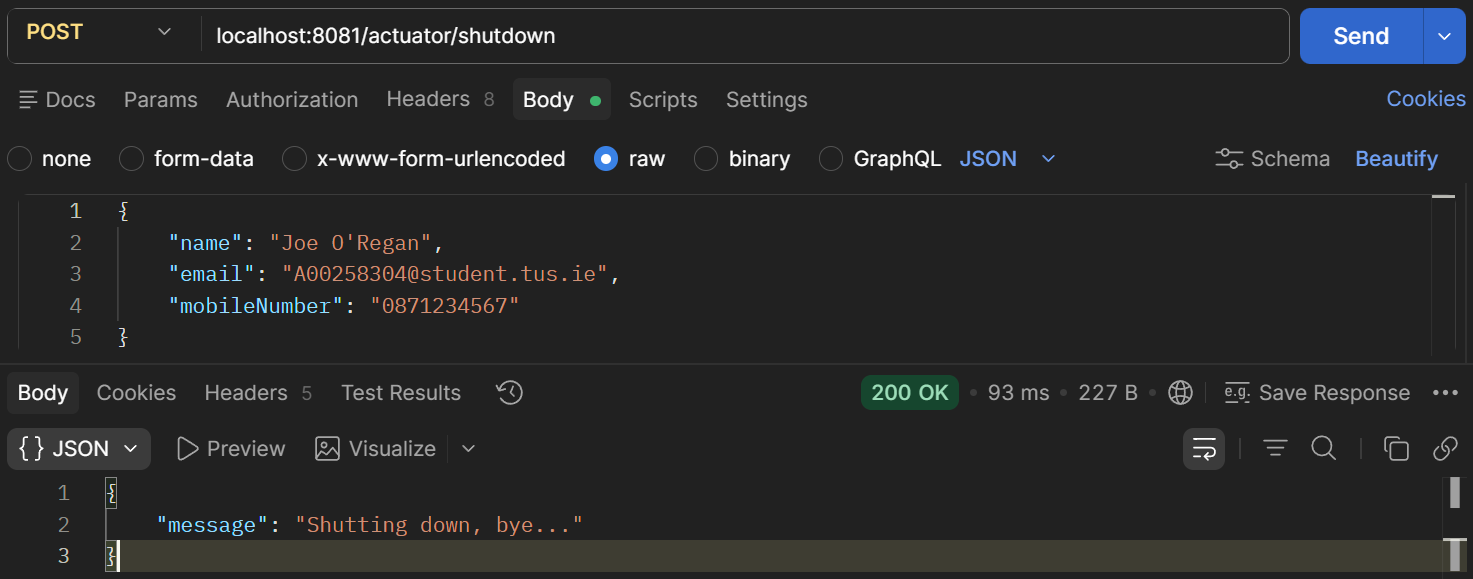
Figure 2. Postman POST actuator/shutdown
3. Services De-Registered
Step#3 Check the eureka dashboard. All services will have de-registered themselves on shutdown.
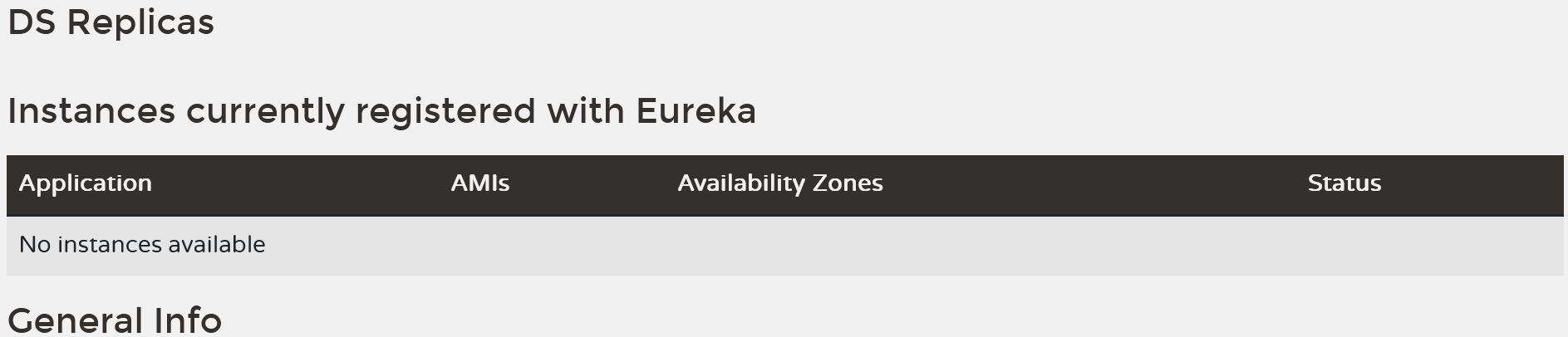
Figure 3. Eureka Dashboard All Services De-Registered
4. Errors when Eureka Server Stops
Step#4 Restart the services again. Now stop the eureka server. You will error messages from the services indicating that they cannot send the heartbeat (every 30 seconds) to eureka.
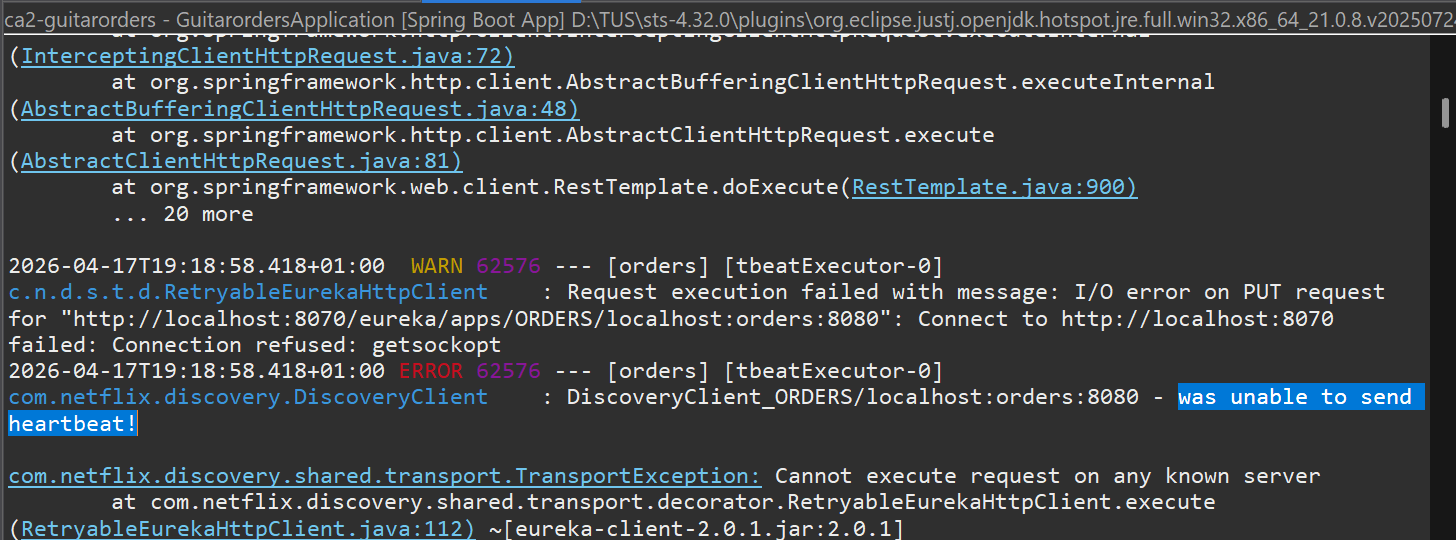
Figure 4. Errors when Eureka Server Stops