Skip to content

Lab#30 Circuit Breaker With Fallback

In the previous lab, we implemented the circuit breaker but it had no fallback mechanism, so a runtime exception was thrown. Throwing exceptions to the client is not a valid approach. We need a fallback mechanism to send a message to the client. Step#1 In the gateway application we need to create a controller class to handle the fallback.
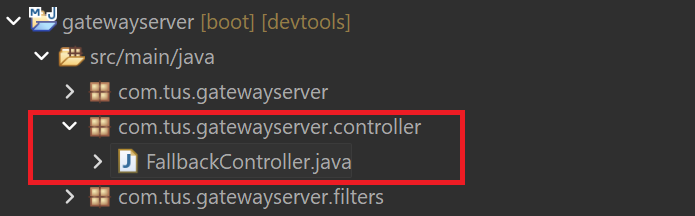
Controller package and FallbackController class

Figure 1. Controller package and FallbackController class
Gateway Server: FallbackController.java
 1
 2
 3
 4
 5
 6
 7
 8
 9
10
11
12
13
14
package com.tus.gatewayserver.controller;

import org.springframework.web.bind.annotation.RequestMapping;
import org.springframework.web.bind.annotation.RestController;

import reactor.core.publisher.Mono;

@RestController
public class FallbackController {
    @RequestMapping("/contactSupport")
    public Mono<String> contactSupport() {
        return Mono.just("An error has occurred. Please try later or contact support.");
    }
}

Step#2 Integrate the fallback into the circuitbreaker pattern by modifying the GatewayserverApplication class. Restart the gateway.

Gateway Server: GatewayserverApplication.java
18
19
20
21
22
23
24
25
26
    @Bean
    RouteLocator tusBankRouteconfig(RouteLocatorBuilder routeLocatorBuilder) { // Lab 27
        return routeLocatorBuilder.routes()
                .route(p -> p.path("/tusbank/accounts/**")
                        .filters(f -> f.rewritePath("/tusbank/accounts/(?<segment>.*)", "/${segment}")
                                .addResponseHeader("X-Response-Time", LocalDateTime.now().toString())
                                .circuitBreaker(config -> config.setName("accountsCircuitBreaker") // lab 29
                                        .setFallbackUri("forward:/contactSupport"))) // lab 30
                        .uri("lb://ACCOUNTS"))

Step#3 Call the contact-info endpoint.
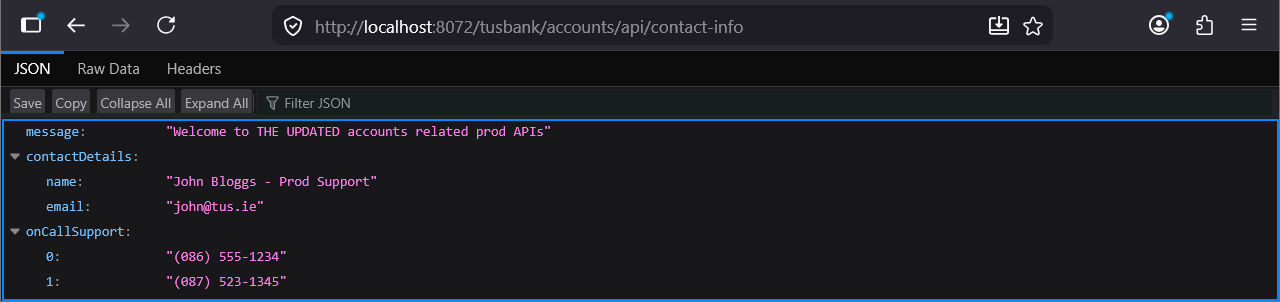
Call Contact Info Endpoint

Figure 2. Call Contact Info Endpoint

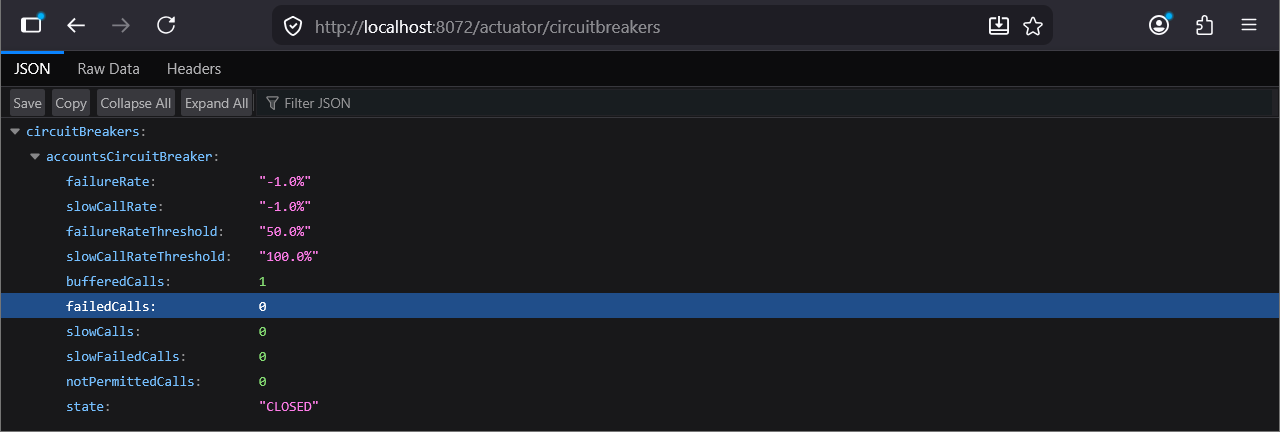
Actuator Circuitbreakers

Figure 3. Actuator Circuitbreakers

Now add the breakpoint again in the AccountController class

Add Breakpoint

Figure 4. Add Breakpoint

Call the end point again and you will see the fallback was called.

Fallback message

Figure 5. Fallback message